DurableTask SQL · Deployment · · By Keegan Ott · 4 min read
How to safely upgrade the durabletask-mssql schema
A DurableTask provider upgrade changes more than a package. Its assembly carries versioned SQL scripts, and the database contains unfinished programs that may wake up after the deployment.
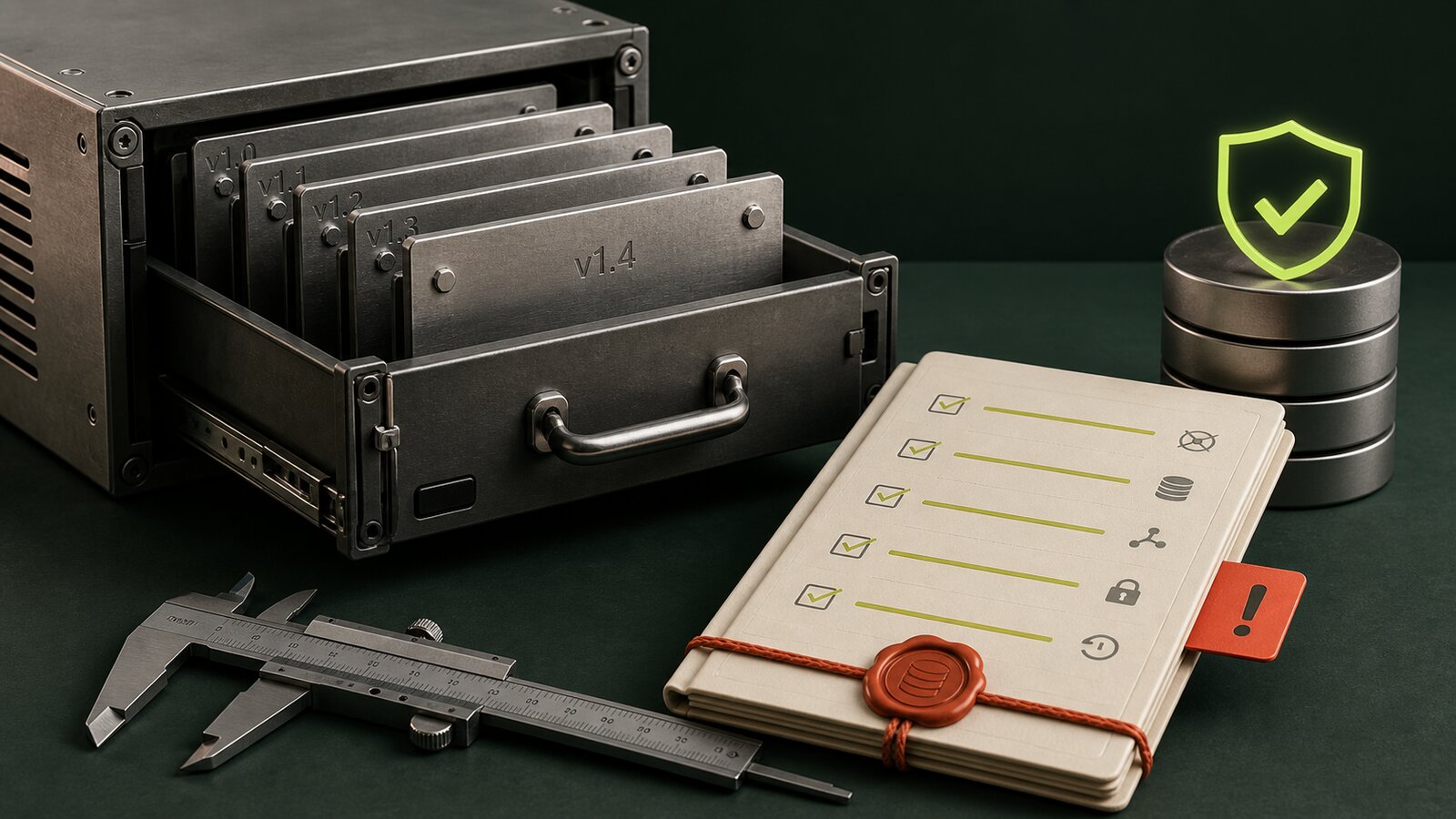
Run the schema change as a release artefact
This pack is a minimal, buildable migrator—not pseudo-code:
- DurableSqlSchemaMigrator.csproj + Program.cs
- Dockerfile + Kubernetes Job manifest
- preflight.sql + postflight.sql
- Pin the migrator package to the exact provider package shipped by the workers.
- Run preflight and take the backup required by your change policy.
- Build the image, apply the Job, and wait for completion.
- Capture Job logs and postflight output; then canary one worker and resume a known waiting orchestration.
The full commands and failure rule are in the pack’s README. If the Job fails, workers stay stopped. They are not a fallback migration mechanism.
Upstream durabletask-mssql embeds its provisioning scripts in the
provider DLL. CreateIfNotExistsAsync() reads the current
version through dt._GetVersions, applies newer scripts in
order, and records the result in dt.Versions. Upstream is
designed to upgrade without downtime. In a disconnected product
carrying a fork, I still want one release step to own that transition.
Start with a release record, not a deployment button
application:        intelligence-worker 4.7.2
durabletask-core:   3.x.y
sql-provider:       company.1.6.0-fork.4
database-schema:    SELECT * FROM dt.Versions
If a support bundle contains only the app version, it is missing half the runtime. Store the provider source commit and package hash in the release manifest as well.
Capture a preflight you can compare after the Job
SELECT TaskHub, RuntimeStatus, COUNT_BIG(*) AS Instances
FROM dt.Instances
GROUP BY TaskHub, RuntimeStatus;

SELECT * FROM dt.Versions ORDER BY SemanticVersion;

SELECT TaskHub, COUNT_BIG(*) AS Waiting
FROM dt.NewEvents GROUP BY TaskHub;
I care especially about long-running instances that will cross the release boundary. A database backup is useful only after a restore has been tested with the matching application and provider packages. Kubernetes rollback cannot undo SQL.
The migrator is deliberately tiny
The runtime can provision automatically, but I prefer a Kubernetes Job
built from the exact release image. It opens the configured provider
and calls CreateIfNotExistsAsync() before worker
Deployments roll:
var settings = new SqlOrchestrationServiceSettings(
    connectionString, taskHubName: "SchemaMigrationProbe");
var service = new SqlOrchestrationService(settings);
await service.CreateIfNotExistsAsync();
The hub name here is incidental; schema versioning is shared within the configured schema. Upstream already takes an application-level SQL lock and commits the upgrade as one transaction, so the Job is not a concurrency workaround. It gives the release one observable owner and keeps DDL permission away from ordinary worker startup. The Job needs DDL permission. Runtime identities should return to the provider’s documented low-privilege roles after migration rather than keeping schema-owner access.
What the Job gates
- Workers and the migrator use the same provider version.
- The preflight output is captured before the release.
- The Job completes once, and its logs say the schema is current.
- The postflight version list is stored with the image digest.
- One worker can resume an old waiting instance and create a new one.
- Only then can the deployment roll beyond the canary.
Test the failures nobody demos
- Kill the migration process between two version scripts and rerun it.
- Start an old worker against the upgraded schema in a disposable environment.
- Restart SQL Server while a worker holds orchestration and activity locks.
- Restore a backup containing Pending and Running instances, then resume them.
- Deploy changed orchestrator code and confirm replay compatibility independently of schema compatibility.
That last point matters. A clean database migration does not make changed orchestration code deterministic. Provider schema, framework package and orchestration history are separate compatibility problems that happen to arrive in one release.
Know where rollback stops
Before migration, rollback means redeploying the old image. After a backwards-compatible expand step, it may still mean that. After a destructive or incompatible schema change, rollback means restoring the database and redeploying the matching images. Write that boundary into the change plan before the release starts.
I no longer treat the provider as plumbing underneath the application. With unfinished orchestrations in the database, it is part of the executable runtime.
References: upstream SQL provider architecture, schema upgrade implementation, and database permissions.